Open an STL or OBJ file and inspect its real dimensions and geometry.

PuzzleForm 3D / Browser editor
Make your own 3D puzzles.
Import an STL or OBJ model, set the layers and grid, inspect every cut and connection and export print-ready parts. Private builds stay on your device.
Localgeometry processing5 stepsmodel to export2 creditsincluded at signup
From source model to printable parts.
Choose the layers, the grid, the fit and the print settings that suit your model.
Review the cut parts, then unlock and download the finished STL bundle.
Build for free. Pay one credit for a finished export.
Importing, slicing and previewing never cost anything. A credit is committed only once the finished file exists. One complete puzzle costs one credit however many parts it has, and new accounts start with 2 credits.
A ZIP archive with one print ready STL file per puzzle part, plus optional arranged print plates. Already unlocked exports can be downloaded again without another charge.
Subscriptions grant credits every month. Commerce and Studio add a commercial licence for objects you print yourself. PuzzleForm never produces, ships or sells a physical item.
A credit is spent only when a finished export succeeds. A build that fails costs nothing, and anything you already unlocked can be downloaded again at no further cost.
Start with a model selected by PuzzleForm.
Open a licensed model in the editor, adjust it for your printer and keep the resulting project private in your workspace. No user uploads or third-party seller listings are part of this library.
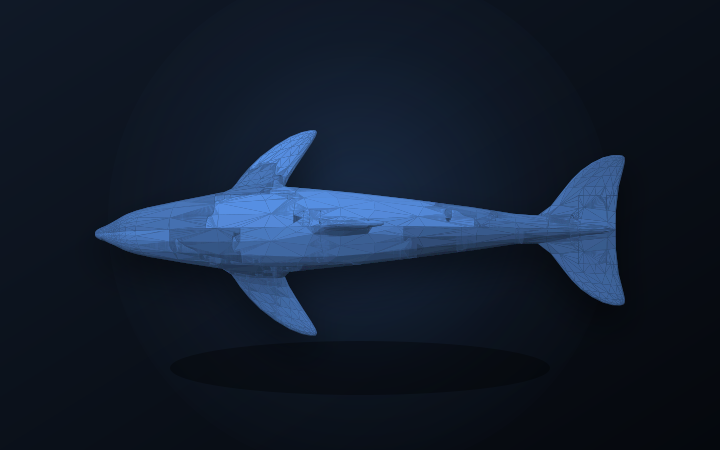
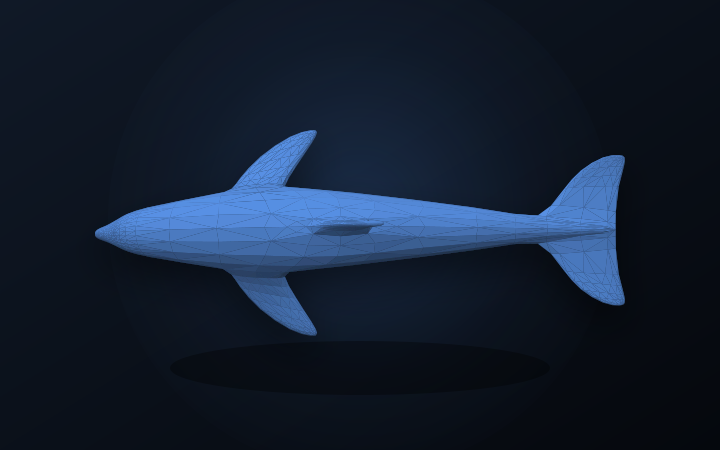
Ocean DolphinA sweeping marine silhouette with expressive fins.
PuzzleForm StudioCC BY 3.0 · curated by PuzzleForm
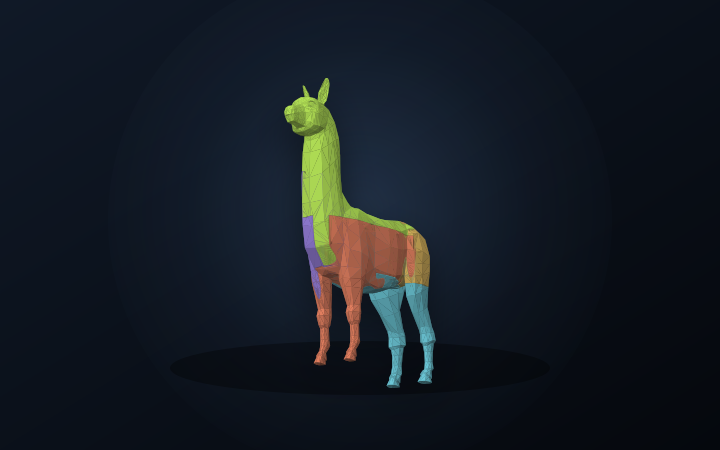
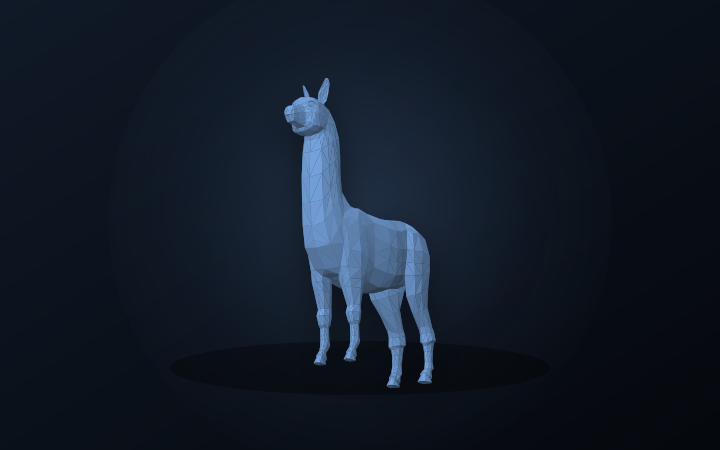
Alpaca TrailA tall, friendly character with a clean low-poly profile.
PuzzleForm StudioCC0 1.0 · curated by PuzzleForm
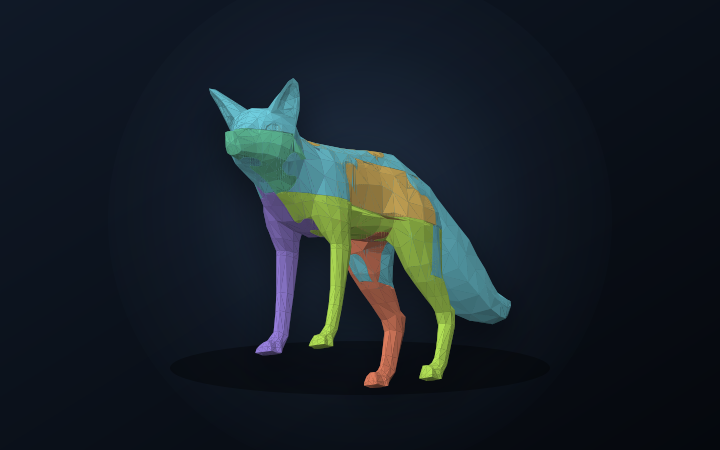
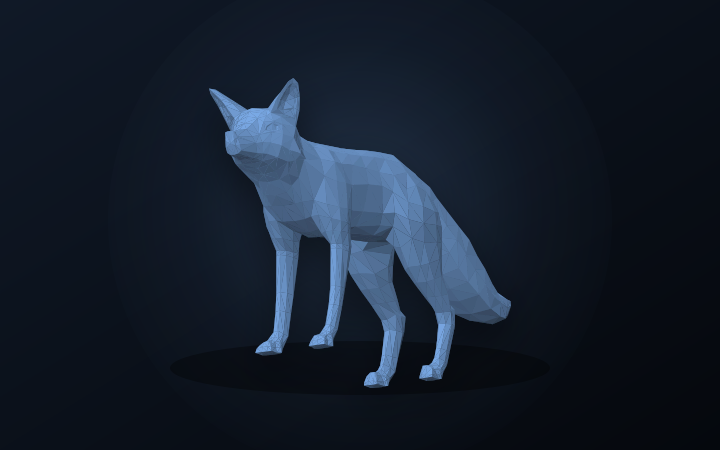
Geometric FoxA sharp-eared fox with a broad, printable tail.
PuzzleForm StudioCC0 1.0 · curated by PuzzleForm
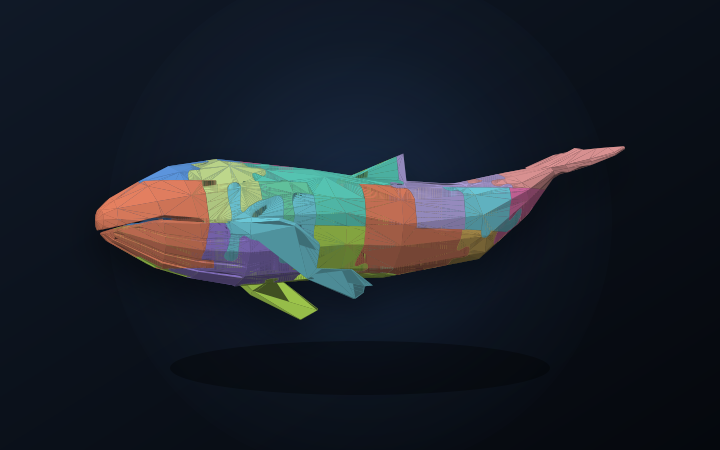
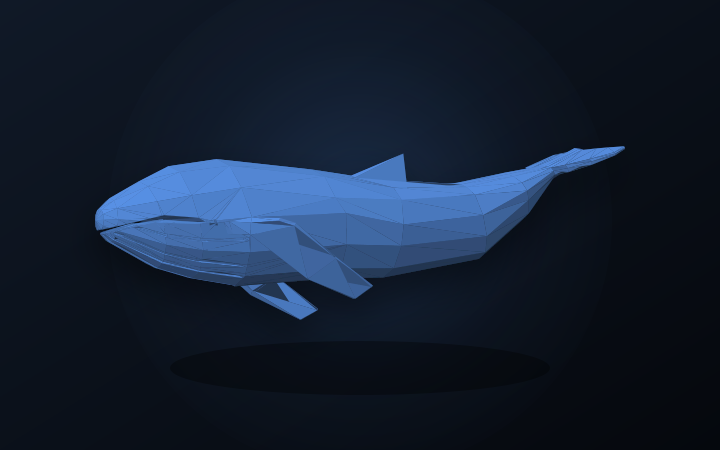
Blue WhaleA broad ocean form with fins and a sweeping tail.
PuzzleForm StudioCC0 1.0 · curated by PuzzleForm
A starting point whose licence is already settled.
Every model arrives with its preview, its suggested part count and its source licence, so the question of what you are allowed to do with it is answered before you begin.
See the result before you build it
The preview shows the model and the finished puzzle, so you know what a credit buys.
Fit it to your printer
Layers, grid and tolerances are yours to change. The model is a starting shape, not a fixed result.
Pay once, at the end
Opening, cutting and previewing cost nothing. One finished export costs one credit.
One clear path from model to puzzle.
Import, configure, inspect and export in one focused private workflow.
Built for people who want to print, not just browse.
Import and geometry processing run in your browser, so you can inspect the geometry while you work. Save a finished build to your account and come back to the same preview when you are ready to export.
Your project and imported source remain private in your workspace. Return to the same build whenever you need to refine or export it.
The cut is deterministic computational geometry. No machine learning, no generative model, no training data. The software creates no images, faces, likenesses, voices or text — its only output is the model you supplied, divided into parts. See the acceptable use policy.